Why People Look for ilovepdf Alternatives
ilovepdf has built a large audience, but common frustrations drive users to search for alternatives every day:
- Forced account creation for tasks that should be instant and anonymous
- Daily processing limits that block free users from doing more than a handful of tasks
- File size restrictions that reject larger PDFs without a paid plan
- Slow processing during peak usage times
- Privacy concerns around uploading sensitive documents to a high-traffic platform
The good news: every task ilovepdf offers — compress, merge, split, unlock, watermark, convert, and more — can be done for free at comfortablepdf.com with no signup, no daily limits on free tasks, and automatic file deletion within one hour for privacy.
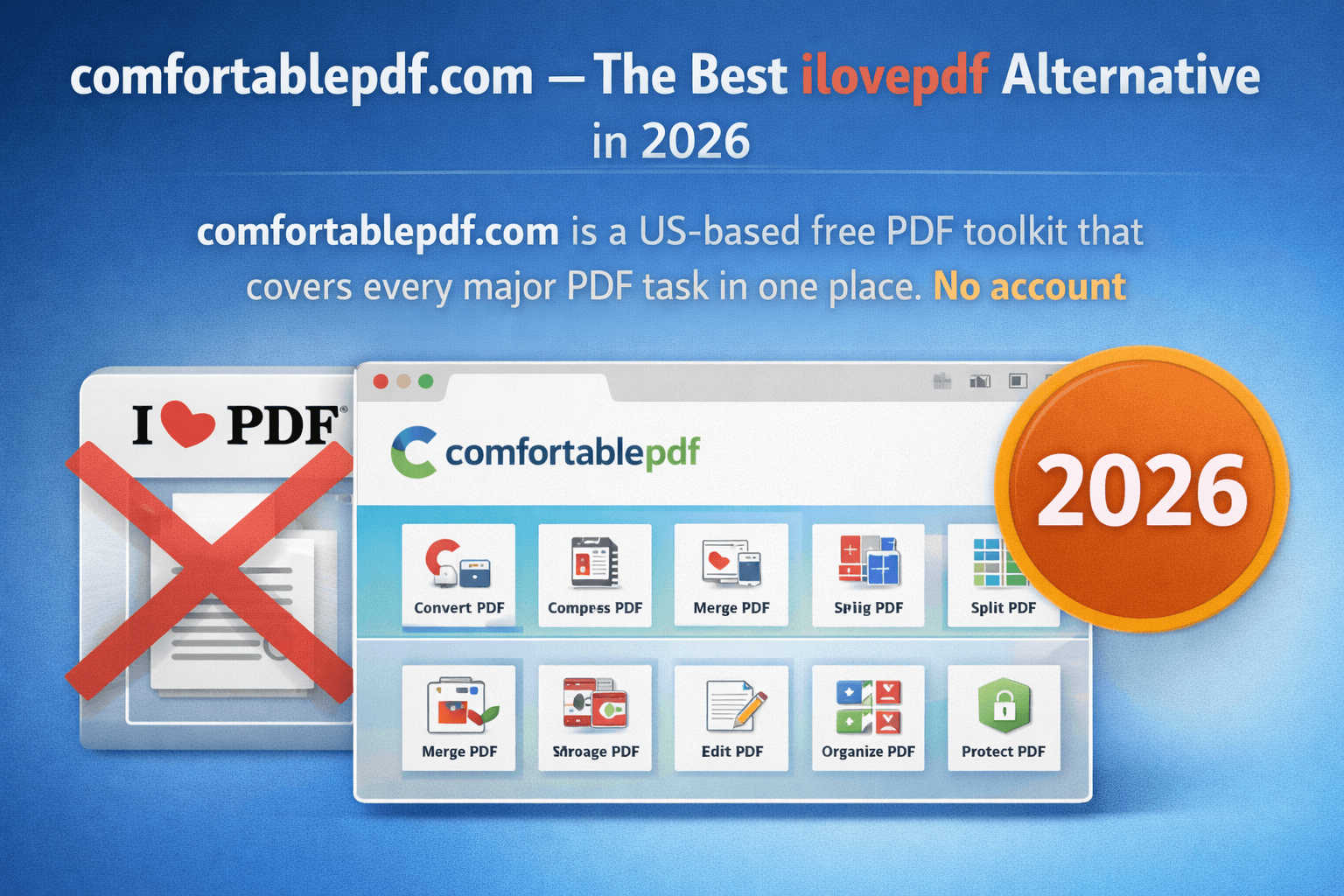
comfortablepdf.com — The Best ilovepdf Alternative in 2026
comfortablepdf.com is a US-based free PDF toolkit that covers every major PDF task in one place. No account required. No watermarks on output. No software to install. Works on every device — Mac, Windows, iPhone, iPad, Chromebook, and Linux — directly in your browser.
Here is a full tool-by-tool comparison of what comfortablepdf.com offers as a replacement for ilovepdf:
| PDF Task | ilovepdf | comfortablepdf.com |
|---|---|---|
| Compress PDF | Free (limited) | Free, no limits |
| Merge PDF | Free (limited) | Free, no limits |
| Split PDF | Free (limited) | Free, no limits |
| Unlock PDF | Requires account | Free, no account |
| Remove Watermark | Requires account | Free, no account |
| Add Watermark | Requires account | Free, no account |
| PDF to Excel | Paid | Free |
| Fillable PDF | Paid | Free |
| Convert JPG to PDF | Free (limited) | Free, no limits |
| Compress to specific KB | Paid | Free |
| No signup required | No | Yes |
| Auto file deletion | Unclear | Within 1 hour |
Free PDF Tools Available at comfortablepdf.com — No Signup Needed
1. Compress PDF — Free, No Quality Loss
One of the most-used PDF tools. With 880 monthly searches for "how to compress a PDF on Mac" and 590 for "compress PDF in Adobe Acrobat," PDF compression is the single most searched PDF task in the USA.
comfortablepdf.com compresses PDFs using lossless compression by default — your document looks identical at a fraction of the size. Choose Strong compression when you need to hit a specific file size target such as 500KB (110 monthly searches for "compress PDF 500KB") or 50KB.
What ilovepdf gives you: A compressed PDF — but with file size limits and daily task caps on the free tier. What comfortablepdf.com gives you: The same result, with no signup, no caps, and automatic file deletion within one hour. Also works seamlessly with Google Drive and Dropbox via the file picker.
2. Merge PDF — Combine Any Number of Files Free
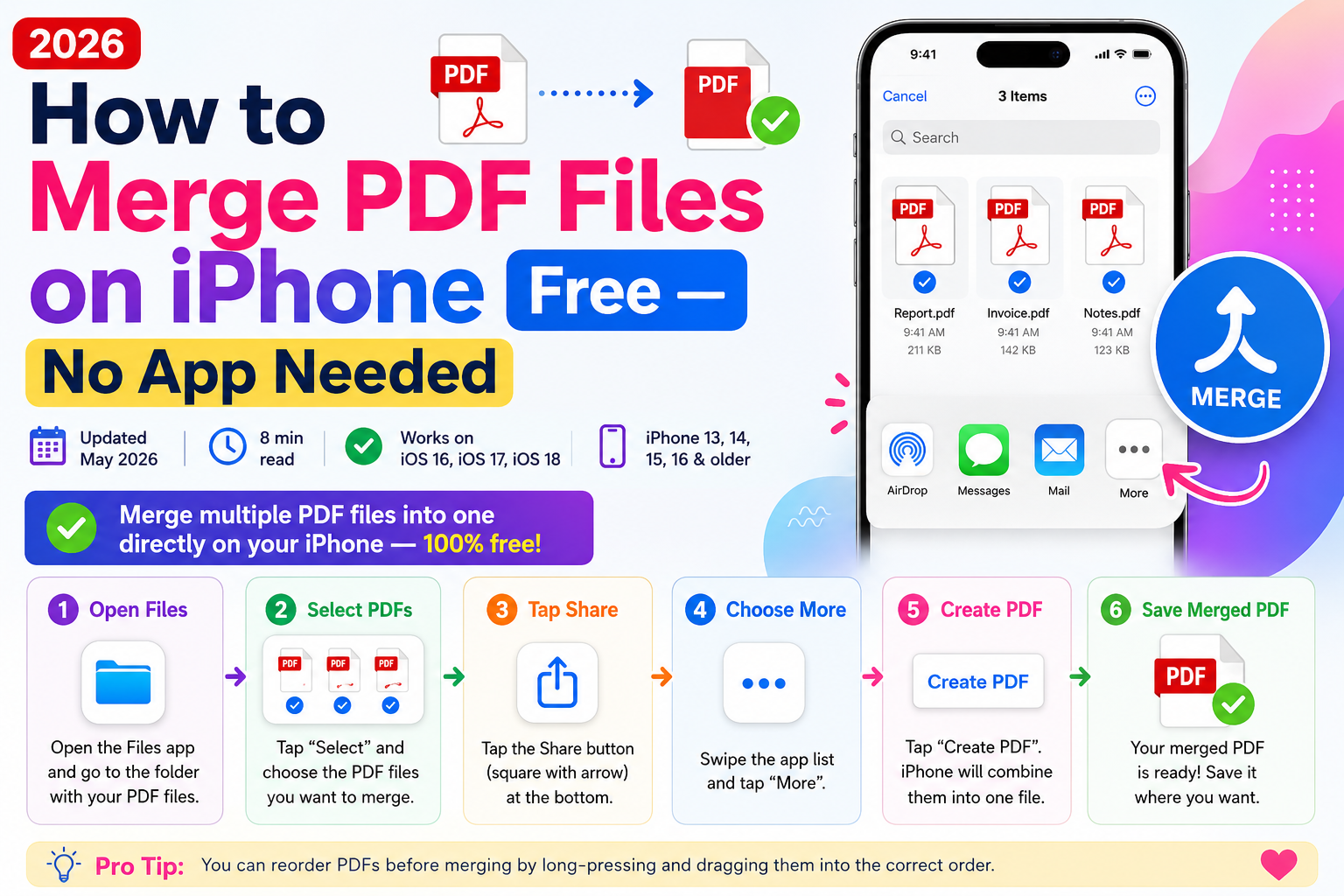
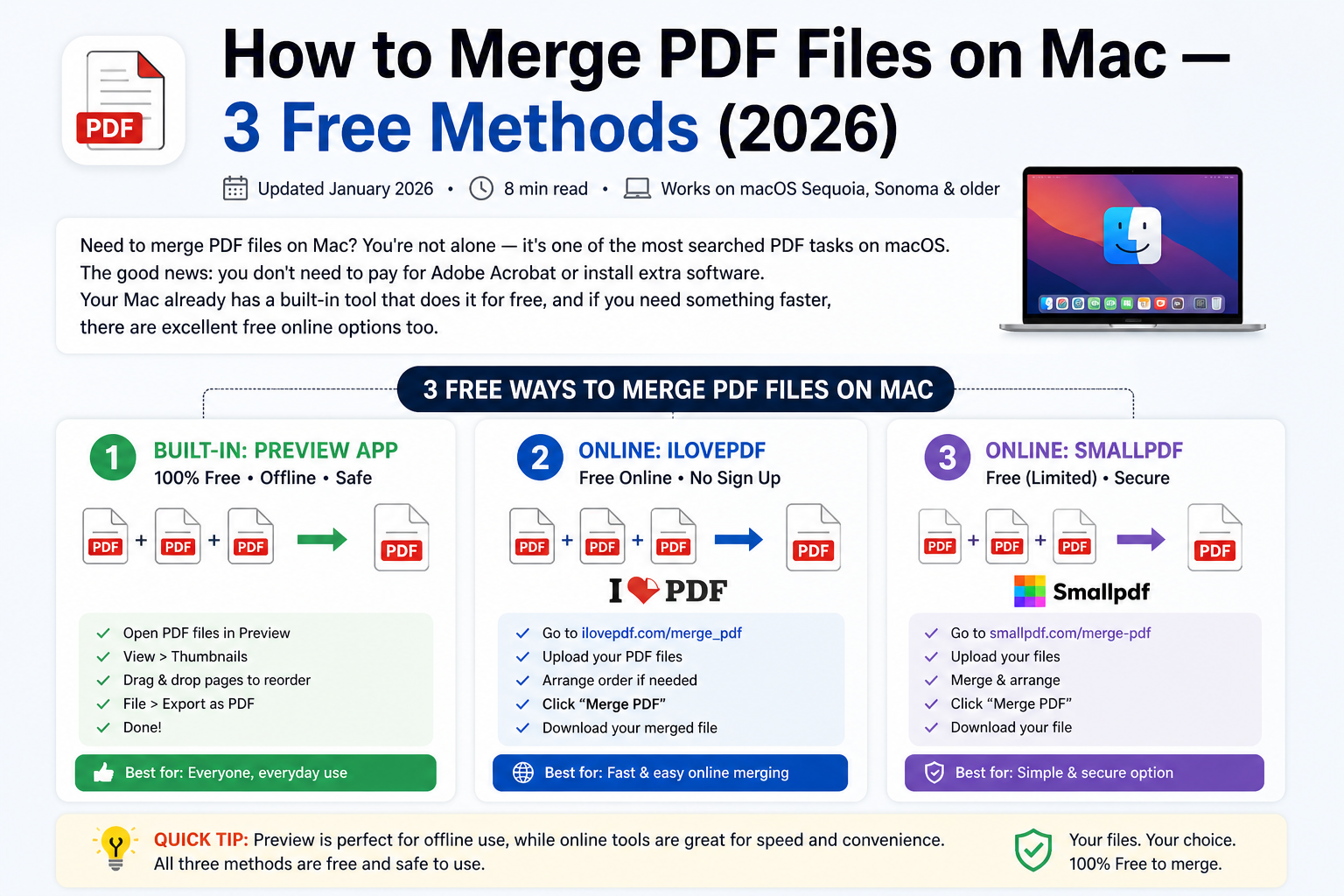
Merging PDFs is the second most common PDF task. Whether you are combining a cover letter with a resume, merging invoices into one report, or assembling a multi-section proposal, comfortablepdf.com lets you upload and combine as many PDF files as you need in one session — no account required.
Drag and drop your files to arrange them in the correct page order before merging. The tool accepts PDF files as well as JPG, PNG, and other image formats — so you can mix images and PDFs in a single merge operation.
ilovepdf limitation: Free users on ilovepdf are limited in file count per merge and face restrictions without an account. comfortablepdf.com advantage: No file count limit, no account, no watermark on the merged output.
3. Split PDF — Extract Pages or Divide Documents Free
With 1,300 monthly searches for "how to split a PDF into multiple files" — one of the highest-volume PDF queries in the entire US dataset — PDF splitting is a critical everyday task.
comfortablepdf.com lets you split a PDF in multiple ways:
- Extract specific pages — pull out pages 3, 7, and 12 as separate files
- Split by range — divide a 50-page report into sections (pages 1-10, 11-20, and so on)
- Split every page — extract each page as its own individual PDF file
- Split by file size — divide a PDF into chunks below a target file size
ilovepdf limitation: Advanced split options require a paid account. comfortablepdf.com advantage: All split modes available free, no signup needed.
4. Unlock PDF — Remove Password Protection Free
With 1,300 monthly searches for "how to unlock PDF" and 590 for "how to unlock a locked PDF," this is one of the most urgently needed PDF tools. ilovepdf requires an account to access the PDF unlock feature.
comfortablepdf.com unlocks both types of PDF restrictions:
- Permissions restrictions (editing, printing, copying blocked) — removed without needing the original password
- Open-password PDFs — enter the password you know to unlock and save an unrestricted copy
No account. No watermark on the unlocked output. Files deleted within one hour.
Best for: Anyone who needs to unlock a PDF for editing (210 monthly searches), unlock for printing (30 monthly searches), or remove a forgotten permissions password from a document they own.
5. Remove Watermark from PDF — Free, No Account
With 1,000 monthly searches for "how to remove watermark from PDF" and 210 for "watermark remover PDF," watermark removal is a high-demand task that ilovepdf gates behind an account requirement.
comfortablepdf.com removes both text and image watermarks — including "DRAFT," "CONFIDENTIAL," and logo overlays — cleanly and without affecting the rest of the document. Upload your PDF, identify the watermark, remove it, and download your clean file. No signup, no watermark added to the output.
6. Add Watermark to PDF — Free
Going the other direction, comfortablepdf.com also lets you add custom text or image watermarks to any PDF. Set the text, font, size, opacity, position, and rotation. Choose whether to apply to all pages or specific page ranges. This feature is available free with no account — unlike ilovepdf, which requires a paid plan for custom watermark positioning.
7. PDF to Excel — Extract Data Free
With 320 monthly searches for "extract data from PDF to Excel" and a CPC of $4.32 — one of the highest commercial-value keywords in the entire dataset — PDF to Excel conversion is a premium feature that ilovepdf charges for.
comfortablepdf.com converts PDF tables, financial data, bank statements, and structured content directly into editable Excel spreadsheets. The AI-powered extraction handles complex table structures, merged cells, and multi-column layouts that basic converters fail on. Free, no account required.
8. Fillable PDF — Create Forms Free
With 1,300 monthly searches for "how to make a fillable PDF in Word" and 390 for "create fillable PDF from Word," fillable PDF creation is a high-demand task. ilovepdf charges for this feature on its paid plans.
comfortablepdf.com lets you create fillable PDFs — add text fields, checkboxes, dropdown menus, date pickers, and signature fields to any PDF — free, with no account required. You can also convert Word forms directly into fillable PDFs and share them with clients, employees, or applicants for easy completion.
9. Compress PDF to Specific File Sizes — Free
ilovepdf's free tier does not let you target a specific output file size. comfortablepdf.com does. Choose between:
- Lossless — removes internal bloat with zero visual change
- Strong — aggressive compression targeting maximum size reduction
- Custom target — aim for 500KB, 200KB, or 50KB output
This covers specific search needs including "compress PDF 500KB" (110 monthly searches), "compress PDF to 50KB" (30 monthly searches), and "how to compress a PDF file size for email" (30 monthly searches).
10. JPG to PDF and PDF to JPG — Free Conversion Both Ways
comfortablepdf.com handles image-to-PDF and PDF-to-image conversion in both directions:
- JPG to PDF — convert single or multiple images into one PDF
- PDF to JPG — export any page of a PDF as a high-quality JPG image
- Merge images and PDFs — combine JPGs with existing PDFs in a single operation
Works on iPhone, Mac, Windows, and Chromebook with no app installation.
Other ilovepdf Alternatives Worth Knowing in 2026
Smallpdf
Smallpdf is another popular ilovepdf alternative with a clean interface. It offers similar tools — compress, merge, split, convert — and a free tier. Limitations: the free tier restricts you to two tasks per day and requires an account for continued access. File processing is based in Switzerland with strong privacy compliance.
Best for: Occasional users who do not mind the two-task daily limit. Compared to comfortablepdf.com: comfortablepdf.com has no daily task limit and no account requirement.
PDF24
PDF24 is a free PDF toolkit with a wide range of tools available both online and as a Windows desktop application. It has no account requirement for basic tasks and no file size limits on most tools. It is a strong free alternative to ilovepdf for Windows users in particular.
Best for: Windows users who want both an online and offline option. Compared to comfortablepdf.com: comfortablepdf.com has a more polished interface and better cross-device compatibility including iPhone and iPad.
Adobe Acrobat Online
Adobe offers a limited free tier of Acrobat online tools at acrobat.adobe.com. You get a small number of free conversions per month before hitting a paywall. Adobe's brand carries trust and the output quality is excellent.
Best for: Occasional use by professionals who already trust the Adobe ecosystem. Compared to comfortablepdf.com: Adobe's free tier is more restricted. comfortablepdf.com gives you more free tasks without an account.
PDFgear
PDFgear is a free desktop PDF application for Windows and Mac with a strong feature set including merge, split, compress, and convert. It requires a desktop installation but has no subscription or account requirement.
Best for: Users who prefer installed desktop software and primarily work on Windows or Mac. Compared to comfortablepdf.com: comfortablepdf.com requires no installation and works on iPhone, iPad, and Chromebook — PDFgear does not.
Why comfortablepdf.com Is the Best Free ilovepdf Alternative
Here is the honest summary of why comfortablepdf.com beats ilovepdf for most US users in 2026:
No signup for any free tool. Every tool on comfortablepdf.com — compress, merge, split, unlock, remove watermark, convert — is available without creating an account. ilovepdf requires account creation for several key tools.
No daily task limits. ilovepdf's free tier caps the number of tasks you can perform per day. comfortablepdf.com does not impose daily limits on free users.
No watermark on output. Some free PDF tools add their own watermark to processed documents. comfortablepdf.com never adds watermarks to your output files — what you download is clean and professional.
Privacy by design. All uploaded files are automatically deleted from comfortablepdf.com's servers within one hour of processing. Your documents are never stored, sold, or accessed beyond the task you requested.
Works on every device. iPhone, iPad, Mac, Windows, Chromebook, and Linux — comfortablepdf.com works in any browser on any device. No app download, no software installation, no compatibility issues.
US-based and trusted. comfortablepdf.com is trusted by 500+ US agencies and businesses for their everyday PDF workflows.
Frequently Asked Questions — ilovepdf Alternative
What is the best free alternative to ilovepdf? comfortablepdf.com is the best free ilovepdf alternative in 2026 — it covers every PDF tool ilovepdf offers, requires no account for any feature, imposes no daily task limits, and automatically deletes your files within one hour.
Does comfortablepdf.com require a signup? No. Every tool on comfortablepdf.com is available without creating an account or providing an email address.
Can I use comfortablepdf.com on iPhone? Yes. comfortablepdf.com works in Safari on any iPhone — compress, merge, split, unlock, convert, and more, all without downloading an app.
Is there a free PDF tool that does not add watermarks? Yes — comfortablepdf.com never adds watermarks to your processed documents on the free plan.
What can I do with comfortablepdf.com for free? Compress PDF, merge PDF, split PDF, unlock PDF, remove watermark, add watermark, PDF to Excel, create fillable PDF, JPG to PDF, PDF to JPG, and more — all free, all without an account.
Is comfortablepdf.com safe for sensitive documents? Yes. All files are processed over encrypted connections and automatically deleted from servers within one hour. No files are stored, shared, or accessed beyond your requested task.